Generating a report or exporting
Creating a status report
In your uclusion.json set uclusionMDFileType to ‘report’ and uclusionMDFilePath to the path to store the status report markdown file.
   "uclusionMDFileType": "report",
   "uclusionMDFilePath": "uclusion.md"
Now running uclusion sync will produce a report like this one.
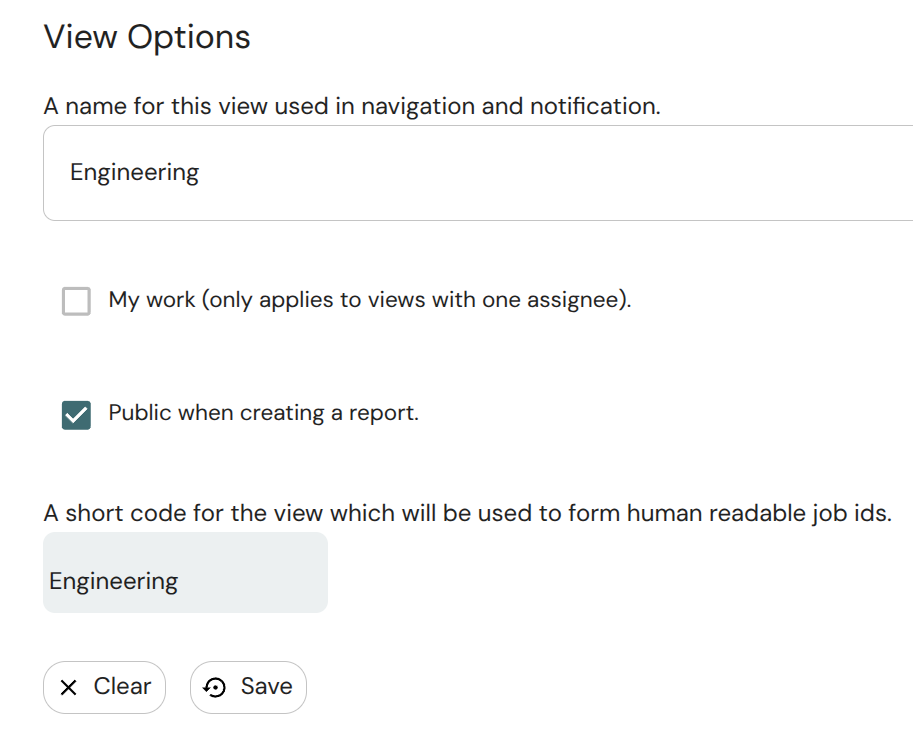
This report can be customized to show exactly the views, jobs, and bugs that are desired. By default all views and jobs display and all bugs and discussion does not. To control whether a view displays or not choose the ampersand next the view and go to settings.
Export a workspace to a markdown file
Setting uclusionMDFileType to ’export’ and running uclusion will create a markdown file with everything in a workspace.
You can also run
uclusion export
at any time to write the full workspace export without changing your configuration or syncing TODOs. It writes to your configured uclusionMDFilePath when uclusionMDFileType is ’export’, otherwise to uclusion_export.md, and -o chooses any other path.
Repeat runs are fast: the export only downloads sections that changed since the last run. To make that work the file carries a hidden HTML comment marker above each job and discussion section, so treat the file as generated — edit it and the next run simply rewrites what you touched.
If something cannot be fetched the export still completes and says so in a warning header at the top of the file: a section that could not be refreshed is kept but flagged as out of date, and an object that could not be fetched at all is flagged as missing. An AI reading the file knows what it is not seeing instead of concluding the information does not exist.
Searching past decisions
The export contains every resolved question with its options, votes, and reasons — including the options you rejected and why. That makes it your decision history: “what did we decide about X?” is a local search instead of a lost memory, and the reasoning survives cleared AI context windows, ended sessions, and staff you have not hired yet.
The installed workflow rule files tell AI agents to run
uclusion export and search the file before re-opening a settled debate, and to cite the short codes they find
rather than re-litigating. Because the export is incremental, an agent can refresh it before every lookup and pay
seconds, not minutes.
The same file is your backup: everything in the workspace, in plain markdown, on your disk. No data is ever locked in.